Ticket Thread Command
✨ Overview
With /ticket thread, you can:
- 🔐 Create a private staff thread for the ticket
🧾 Command Details
- Type: Slash Command
- Permission Required: Staff
- Usage:
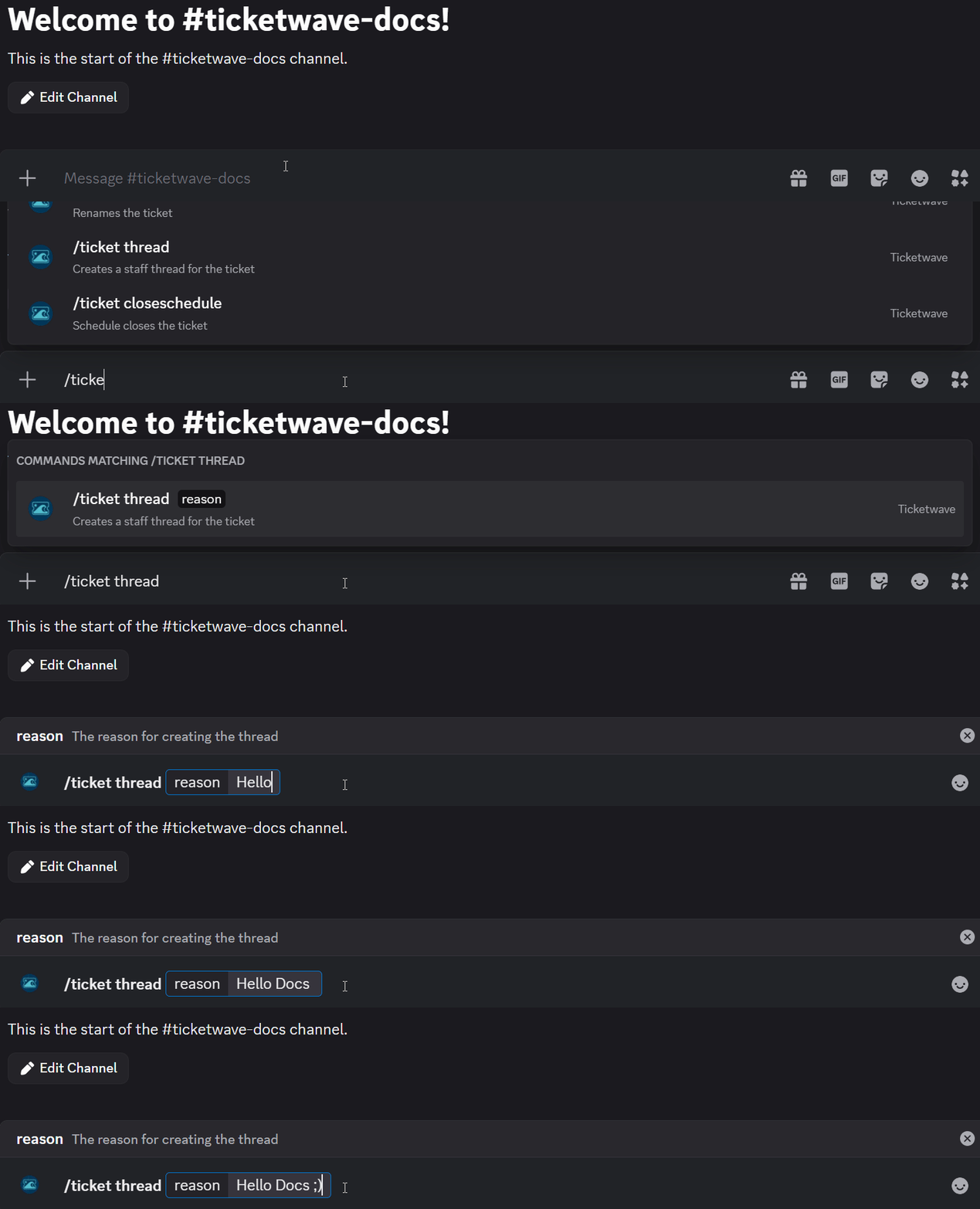
/ticket thread
Parameters
| Parameter | Type | Required | Description |
|---|---|---|---|
reason | Text | Optional | The reason for creating the thread |
💡 When Should You Use This?
Use /ticket thread when:
- 🔐 if you need to discuse something with other staff or owner which the user should'nt see.
📌 Example
/ticket thread
➡️ Szenario 1: You are a support team member and you want to discuss something with other staff members or the owner which the user should'nt see, so you create a private staff thread for the ticket:

After executing the command, a private staff thread will be created for the ticket:
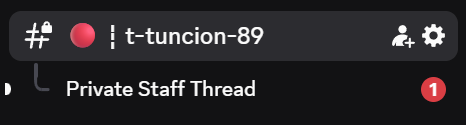
You see now the thread and can discuss with other staff members.
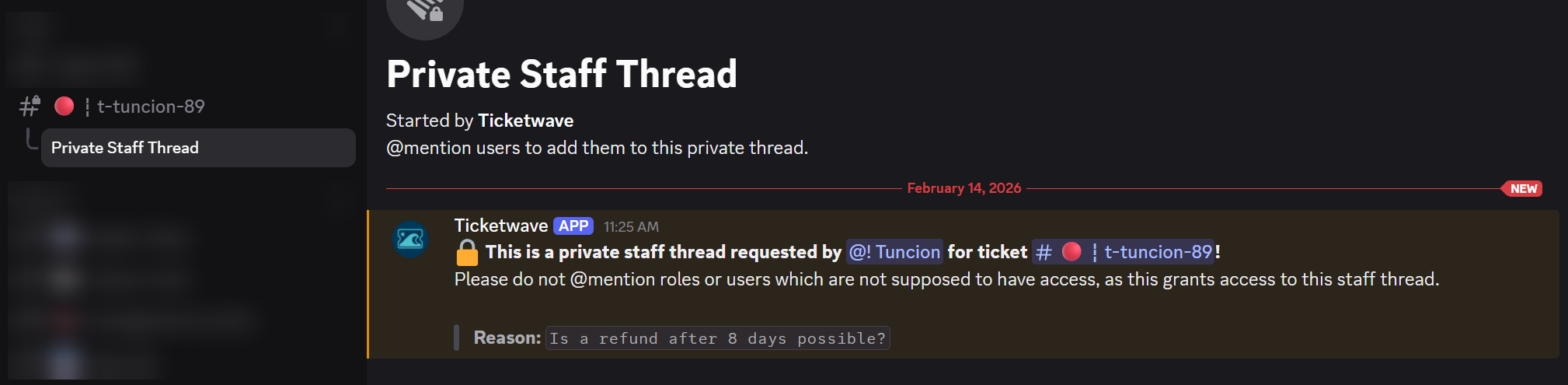
So your answer could be something like this:

warning
Please do not @mention roles or users which are not supposed to have access, as this grants access to this staff thread.
📝 Notes
- 🔐 Only one thread can be open per ticket at a time. If a thread already exists, it will not create a new one. Instead, it will return the existing thread.