Ticket Rename Command
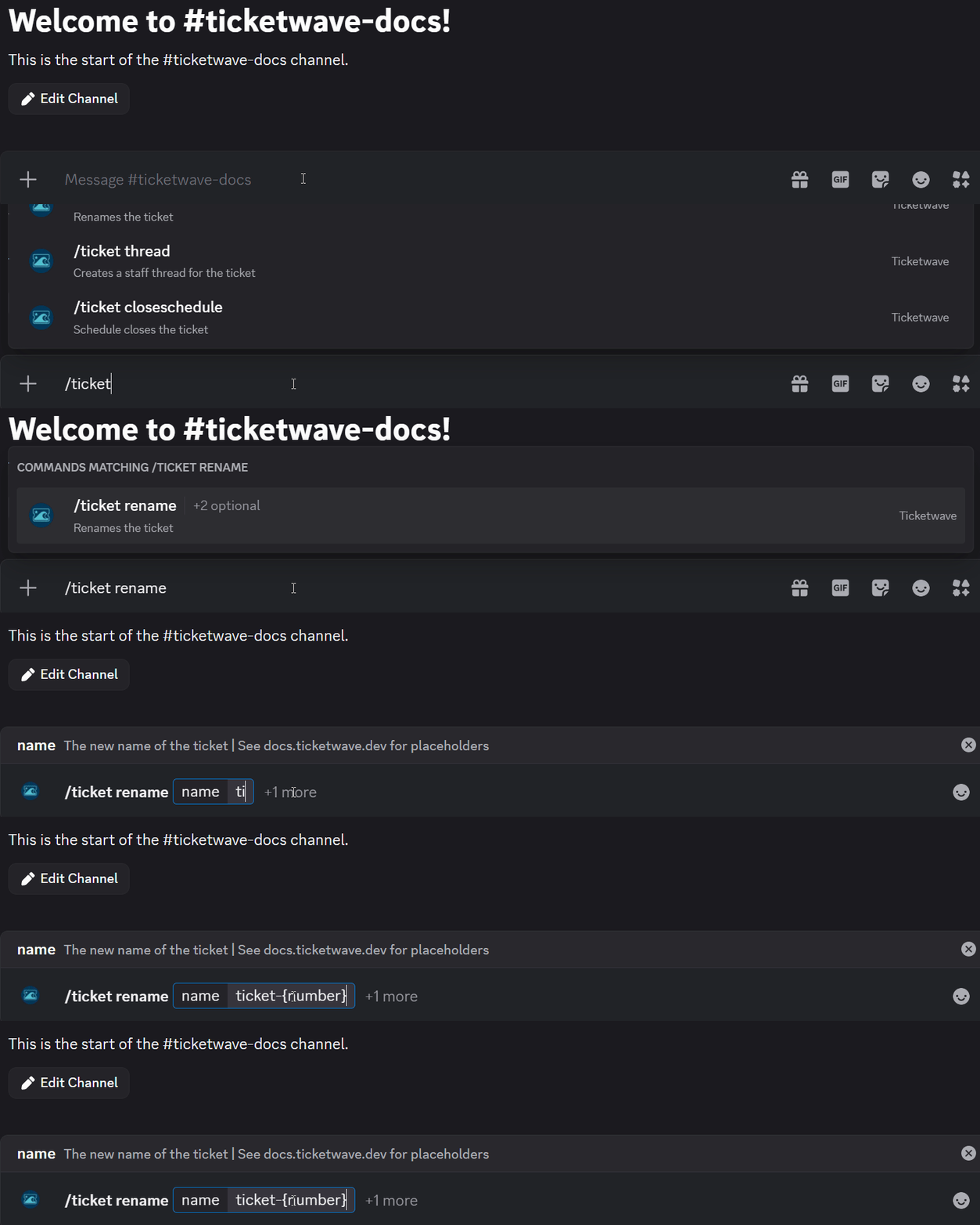
✨ Overview
With /ticket rename, you can:
- ✏️ Change the name of an existing ticket.
🧾 Command Details
- Type: Slash Command
- Permission Required: Staff
- Usage:
/ticket rename
Parameters
| Parameter | Type | Required | Description |
|---|---|---|---|
name | User | Optional | The new ticket name including any placeholders |
reset | Boolean | Optional | Whether to reset the ticket name to its default value |
note
At least one of name or reset must be specified.
Placeholders
| Placeholder | Description | Example |
|---|---|---|
{number} | The ticket number | 123 |
{user} | The ticket creator's username | JohnDoe |
{userid} | The ticket creator's user ID | 123456789012345678 |
💡 When Should You Use This?
Use /ticket rename when:
- ✏️ You want to change the name of an existing ticket.
📌 Example
/ticket rename
➡️ Szenario 1: A user request a refund for an order. To make it easier to identify the ticket later, you want to rename the ticket:

The channel name will be updated:

to

info
You can use the placeholders here. (See all placeholders)
📝 Notes
- ⚠️ You only can change the channel name two times in 10 minutes. This restriction comes from Discord and is not related to TicketWave.
- ✏️ The new name musst be 32 characters or less due to Discord limitations.