Ticket Claim Command
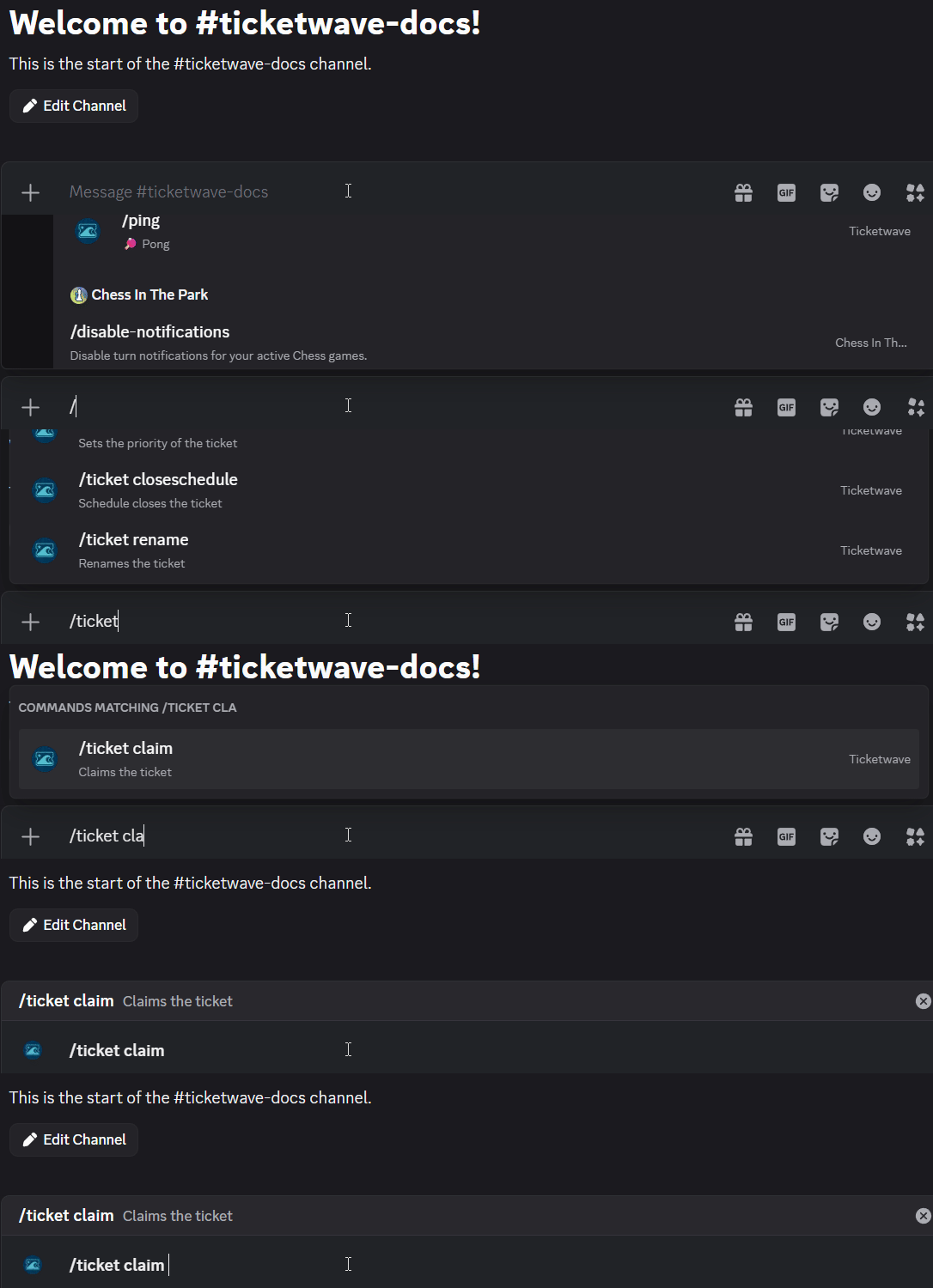
✨ Overview
With /ticket claim, you can:
- 📝 Claim an active ticket and assign it to yourself.
🧾 Command Details
- Type: Slash Command
- Permission Required: Staff
- Usage:
/ticket claim
Parameters
- None
💡 When Should You Use This?
Use /ticket claim when:
- You want to assign yourself to an active ticket.
📌 Example
/ticket claim
➡️ Szenario 1: Your support team has multiple tickets open, and you want to communicate that you will handle a specific ticket.
➡️ Szenario 2: Your support team has specific responsibilities. You can take over the ticket if the issue falls within your area of responsibility.
📝 Notes
- ℹ️ You can disable claiming tickets in the settings if you don't want this feature to be available for your staff.