Ticket Remove Command
✨ Overview
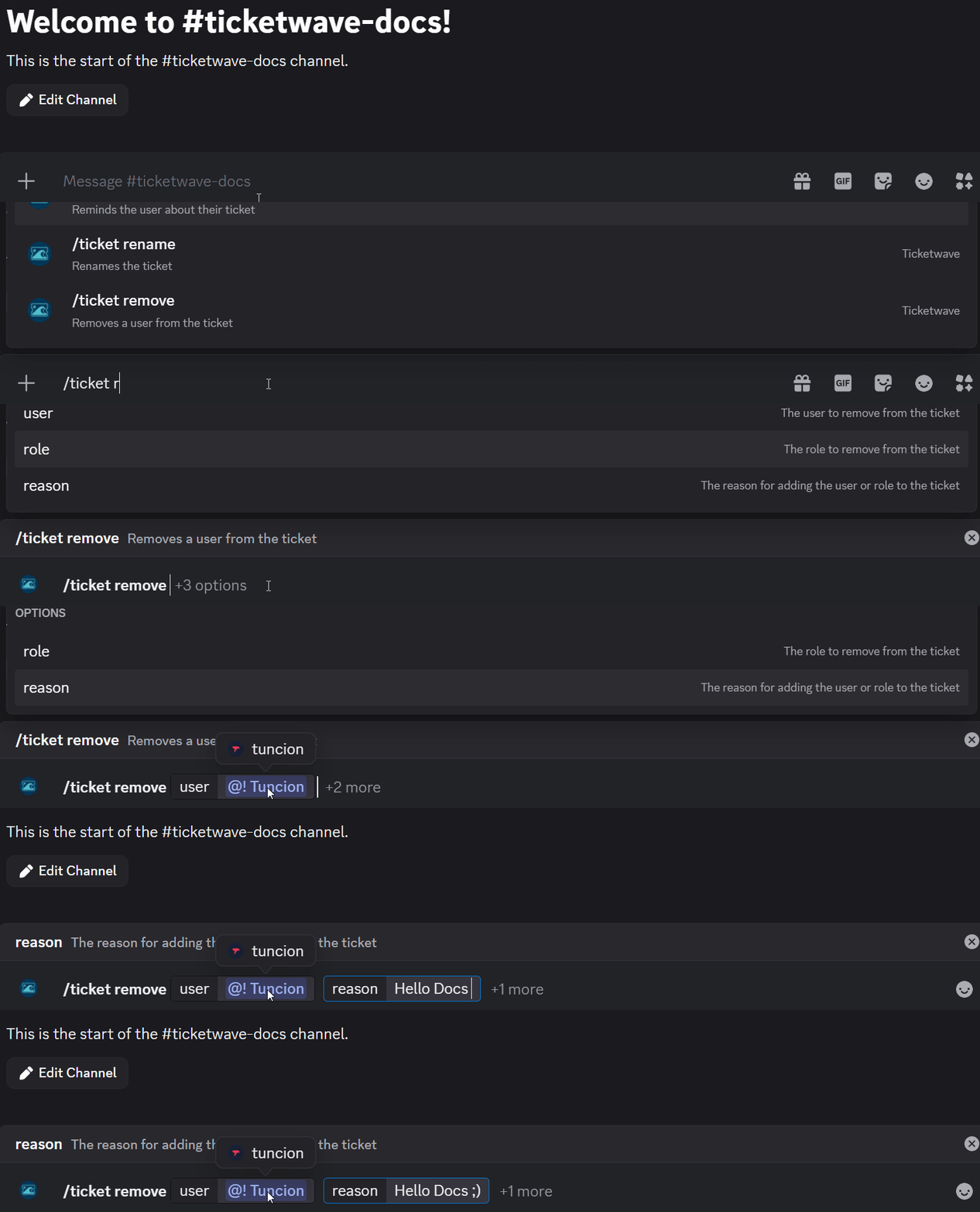
With /ticket remove, you can:
- ➖ Remove user or roles from an existing ticket.
🧾 Command Details
- Type: Slash Command
- Permission Required: Staff
- Usage:
/ticket remove
Parameters
| Parameter | Type | Required | Description |
|---|---|---|---|
user | User | Optional | L'utente da rimuovere dal ticket |
role | Role | Optional | Un ruolo da rimuovere (tutti i membri perdono l'accesso) |
reason | Text | Optional | Spiegazione per la rimozione |
note
Deve essere specificato almeno uno tra user o role.
💡 When Should You Use This?
Use /ticket remove when:
- You need to revoke access of another user or role from an existing ticket.
- You added someone by mistake and need to remove them.
- You want to remove a role that was added for a specific ticket but is no longer needed.
- You want to remove a user who is no longer involved in the ticket or should not have access anymore.
- Security/privacy concerns
📌 Example
/ticket remove
➡️ Szenario 1: You added a user to a ticket, he helped a lot but now you want to continue without them and remove them from the ticket:

➡️ Szenario 2: You want to remove a role that has access to the ticket, so all members with that role can no longer assist in the ticket:

📝 Notes
- ℹ️ Try to only remove users or roles that are no longer needed in the ticket to prevent an add -> remove cycle which cause user confusion.