
Account Settings
Learn how to manage your account settings
Guide to Manage your Account Settings
In this guide, we will walk you through the process of managing your account settings. This is useful to see your active subscriptions or manage your billing information.
Visit the Account Settings
Requirements
- You are logged in (see our Login Guide if you haven't already).
Visit the Website
Go to https://ticketwave.dev and click on your discord name and logo on the top right corner.
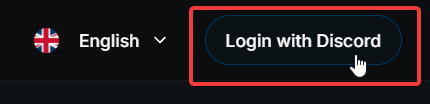
Open Dashboard
Click on the Profile button in the dropdown menu to access your account settings.
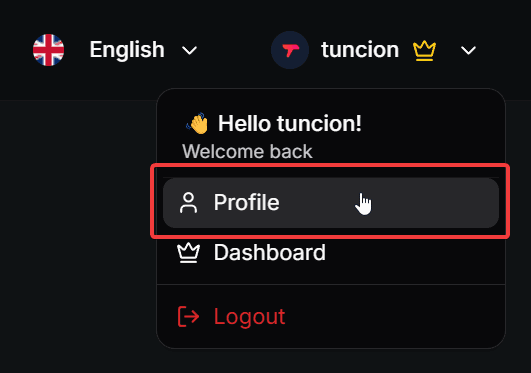
See Profile Information
You will see your profile information and some actions you could take.
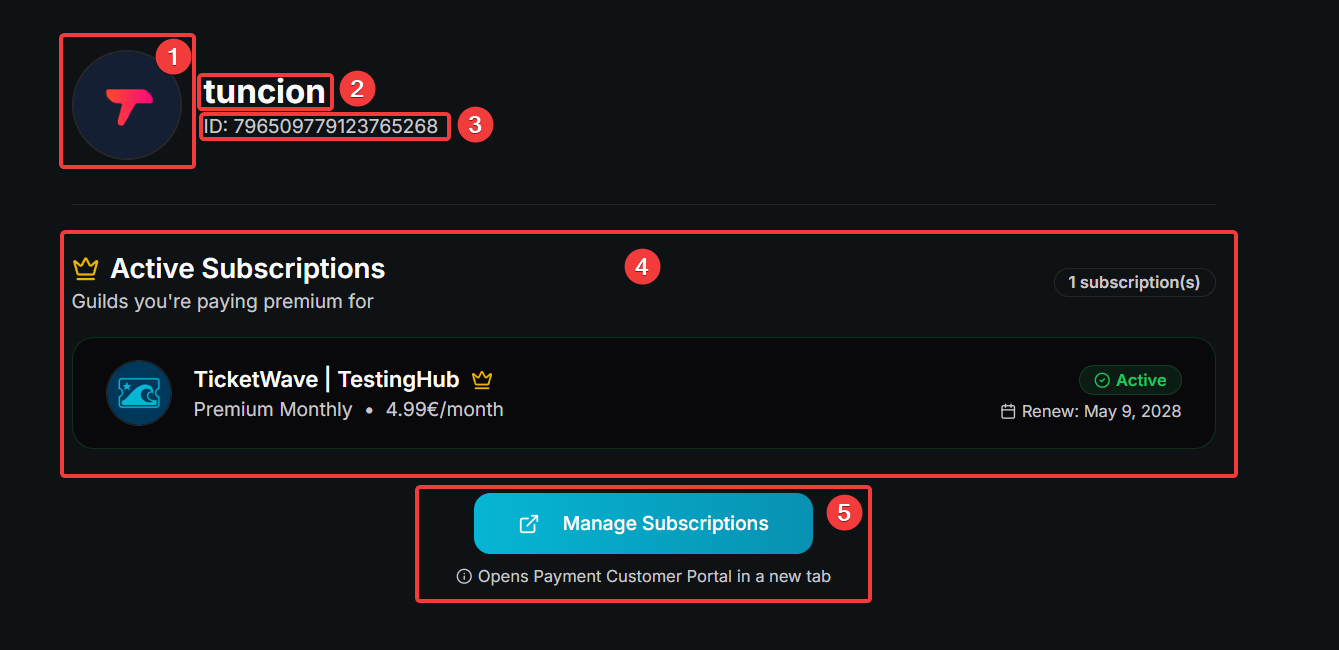
- Your profile picture
- Your username
- Your discord id
- List of your active subscriptions (if you have any)
- Open the billing portal to manage your billing information and subscriptions.
You will only see the billing portal button if you have an active subscription.
See Subscription Card
Every active subscription will be shown in a card with the following information:

- The server icon
- The server name
- The subscription plan you are subscribed to
- The subscription price
- The current status of the subscription. There are the following possible statuses:
| Status | Description |
|---|---|
 | The subscription is currently active. All features are available. |
 | The subscription is currently incomplete. This could be due to a failed payment or an expired payment method. You could see the customer portal to see the details. Please complete the payment to activate the premium features. |
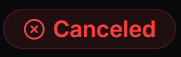 | The subscription is currently canceled. The features are only available until the end of the current billing period. |
- The next subscription renew date
To cancel your subscription, please visit the billing portal.
Next Steps
Now that you could explore our server dashboard with all features we offer. Here are some recommended next steps:
- Guide to Add New Servers (Learn how to add new servers to your dashboard account and manage them all in one place)
How is this guide?