
Internationalization
TicketWave supports multiple languages for your Discord server. Learn how to set up and customize
What is Internationalization?
Internationalization allows you to use TicketWave in multiple languages, making it easier for your community to interact with the bot in their preferred language.
🌍 We are open to add more and improve our translations to connect multiple regions perfectly.
How to change the language?
If the translation is not available for your language, the bot will default to English (US).
TicketWave Website
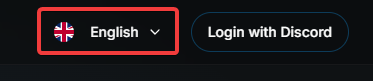
Click on the current language in the top right corner of the website to open the language selection menu.
Choose your desired language from the dropdown menu.
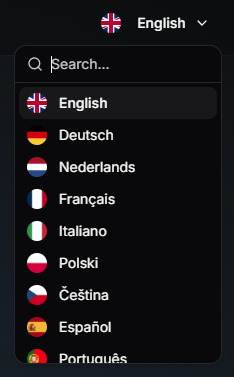
After selecting the language, the website will reload and display in the language you chose.
TicketWave Bot
Use the /admin language command to open the selection menu.
Choose your desired language from the dropdown menu.
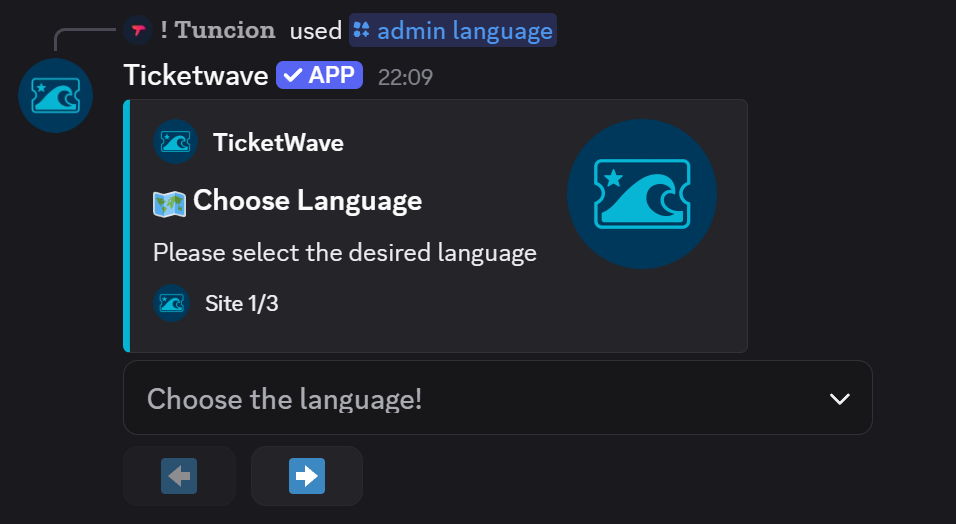
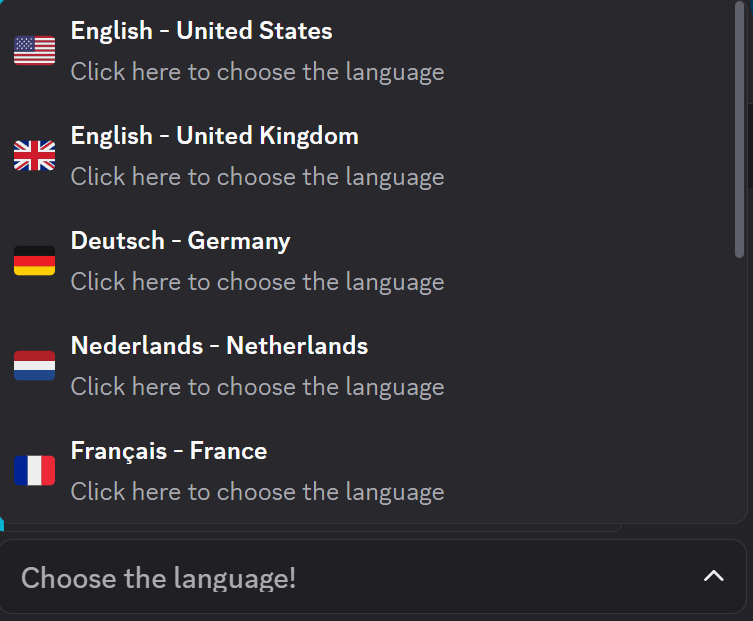
Use the arrows to navigate through the pages if you don't see your language on the first page.
After selecting the language, the bot will use the available translation for the language you chose.
Supported Languages
TicketWave currently supports the following languages:
- German (Germany)
- English (UK)
- English (US)
- Español (Spain)
- French (France)
- Italian (Italy)
- Dutch (Netherlands)
- Polish (Poland)
- Russian (Russia)
- Turkish (Turkey)
- Czech (Czech Republic)
- Portuguese (Portugal)
- Swedish (Sweden)
- Finnish (Finland)
- Norwegian (Norway)
- Hungarian (Hungary)
- Romanian (Romania)
- Greek (Greece)
- Ukrainian (Ukraine)
- Arabic (Saudi Arabia)
- Japanese (Japan)
- Korean (South Korea)
- Chinese (Simplified)
- Chinese (Traditional)
- Hindi (India)
- Indonesian (Indonesia)
- Vietnamese (Vietnam)
- Thai (Thailand)
Some languages are AI-generated and may contain errors. If you find any mistakes, please report them to us so we can improve the translations.
How is this guide?