Ticket Blacklist Add Action
✨ Overview
With the Blacklist Add Action, you can:
- ➕ Add specific user to the ticket blacklist.
🧾 Command Details
- Type: Context Menu Action
- Permission Required: Staff
- Usage:
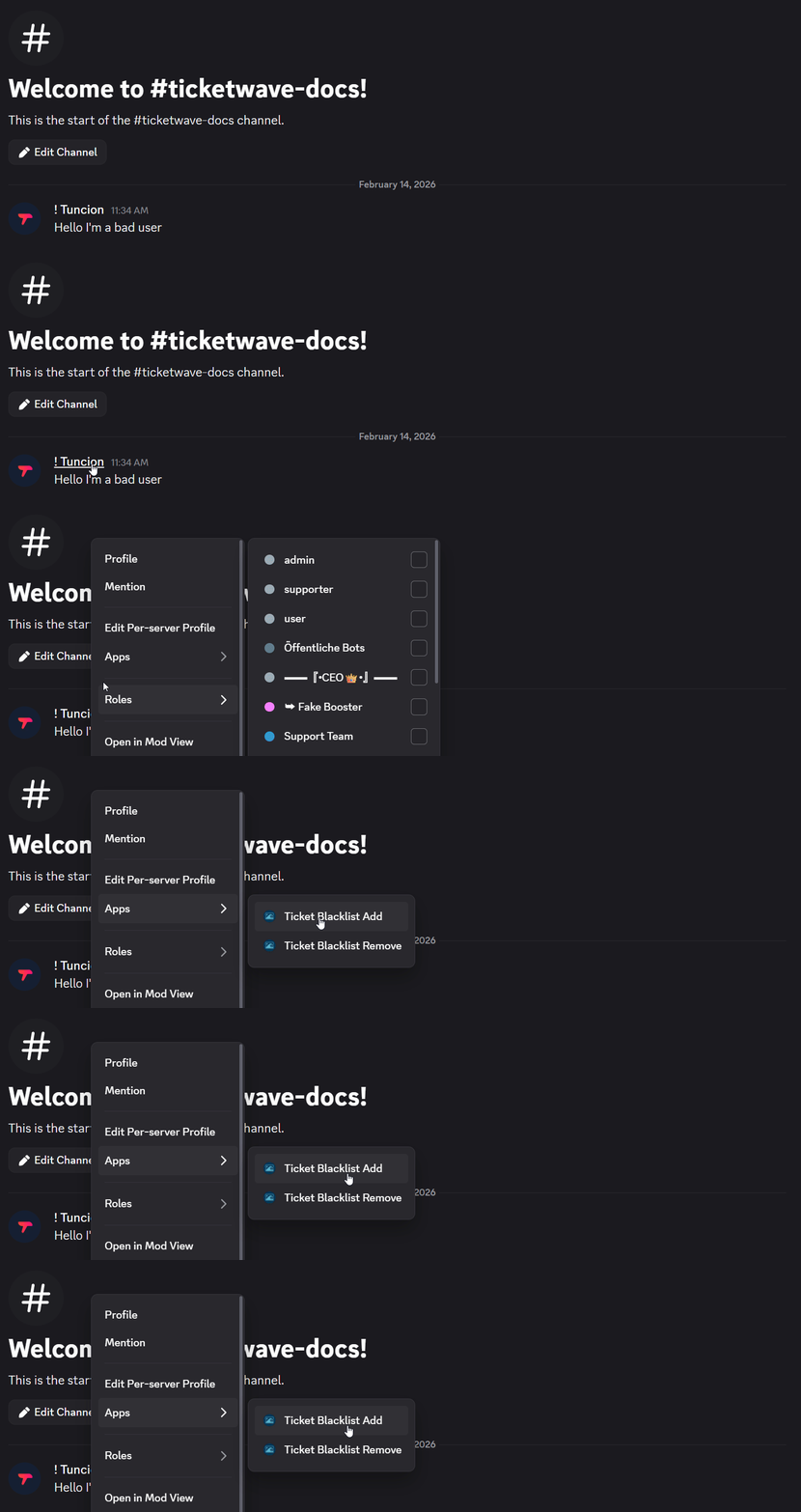
- Right-click on a specific user
- Select "Apps" > "Ticket Blacklist Add"
💡 When Should You Use This?
Use the Blacklist Add Action when:
- You need to add a specific user to the ticket blacklist.
- You want to prevent a specific user from creating or participating in tickets.
📌 Example
➡️ Szenario 1: A user has been causing issues in the ticket system, such as spamming or being disruptive. You can use the Blacklist Add Action to add them to the blacklist, preventing them from creating or participating in any tickets. After right-clicking on the user and selecting "Ticket Blacklist Add", it will open the following modal:
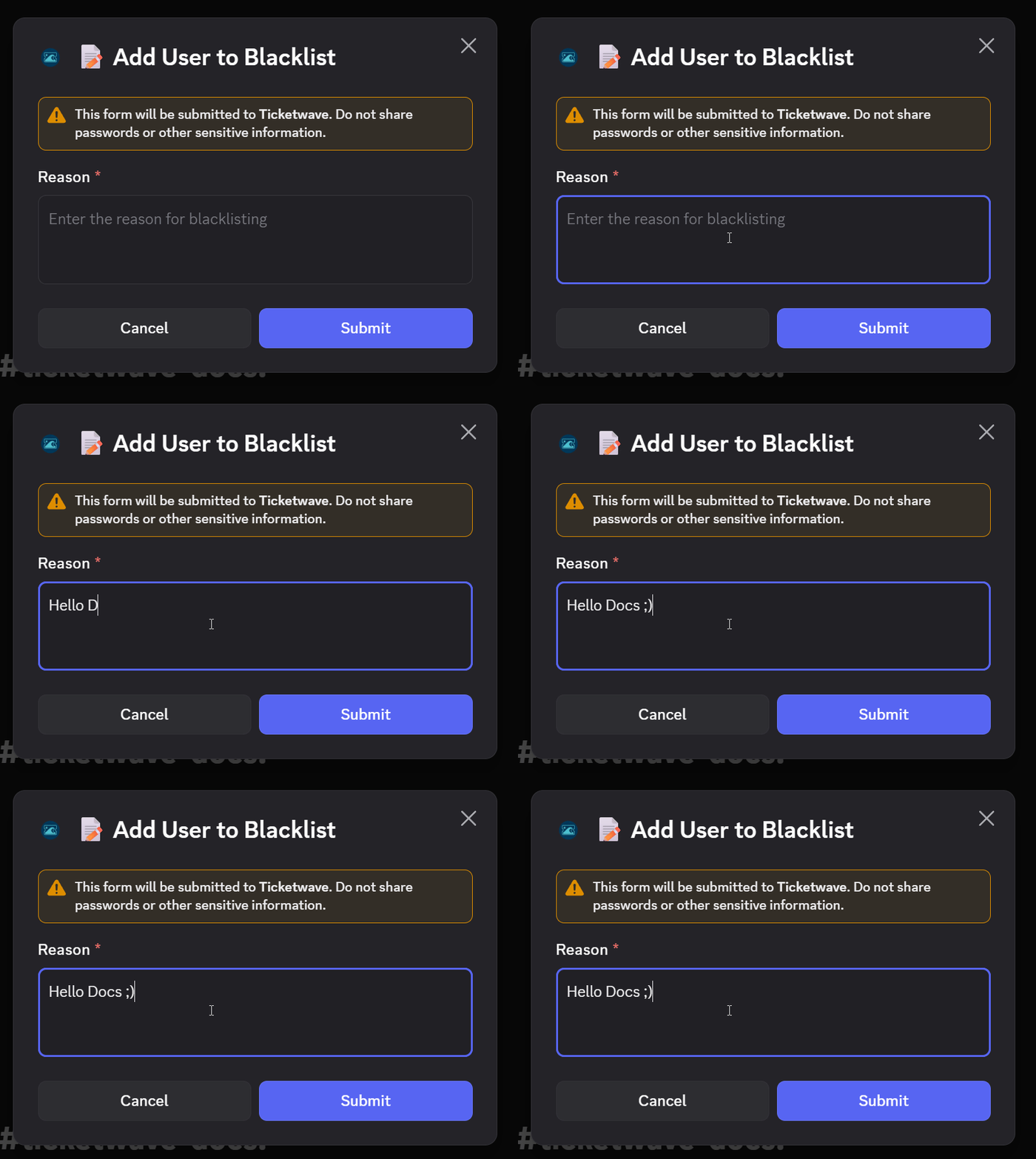
After clicking "Submit", the user will be added to the ticket blacklist, and they will no longer be able to create or participate in any tickets.
📝 Notes
- ⚠️ This will completely lock the user out of the ticket system, preventing them from creating or participating in any tickets. Use with caution!