
Holiday Mode
Pause ticket creation during a vacation, an event or a company break — with a message your members understand.
Guide to Holiday Mode
Support teams are people. Holiday mode lets you close the door politely instead of leaving members waiting in a ticket nobody reads.
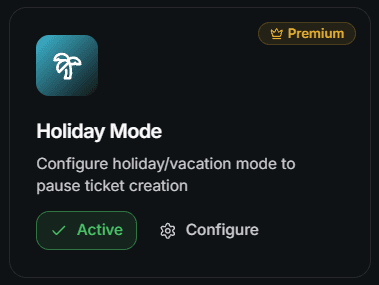
Holiday mode is a premium module. You can also unlock premium with Vote Coins.
When to Use It
- Christmas, summer break or a team offsite
- A release night where your staff is busy elsewhere
- A planned maintenance window
- Any period where a ticket would sit unanswered for days
Configure It
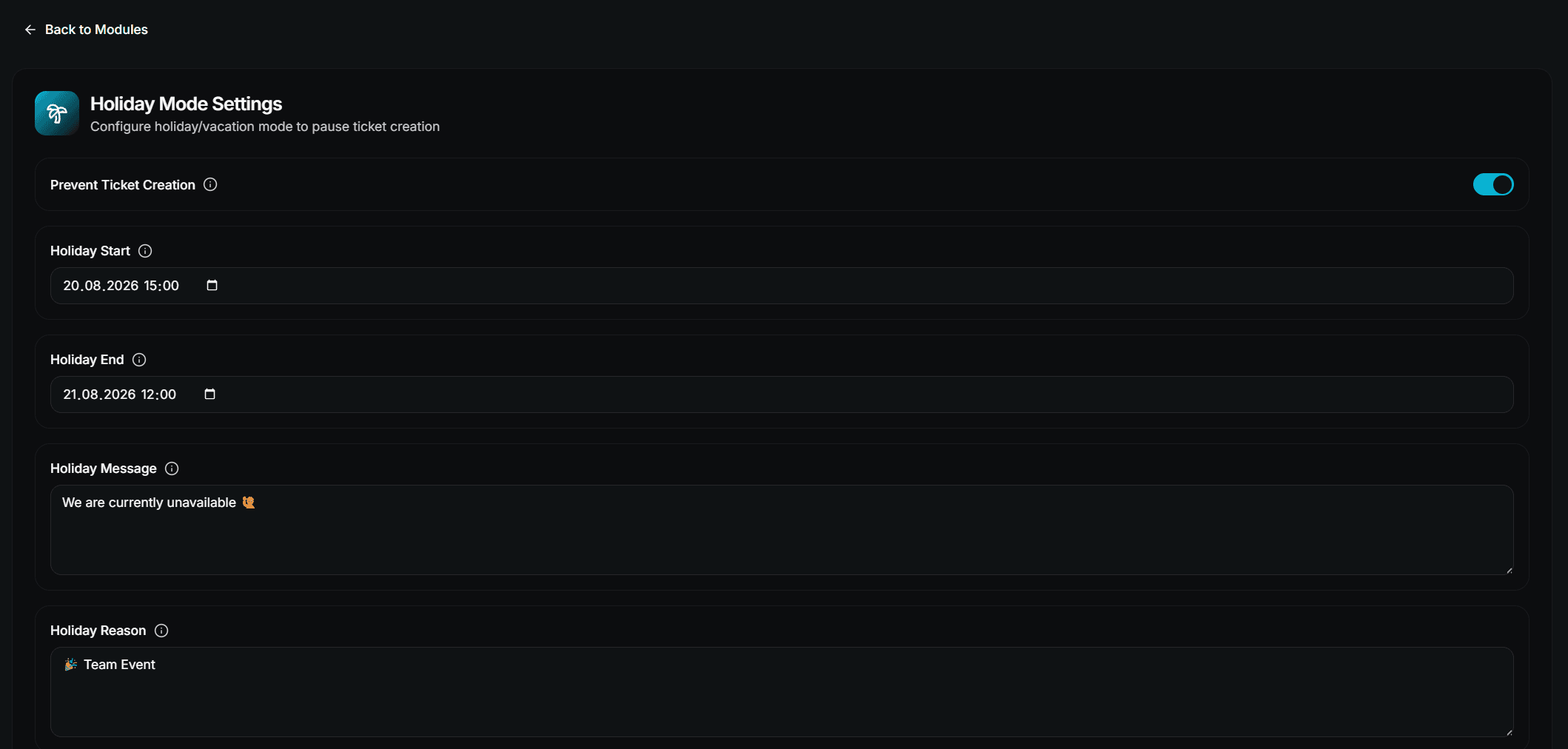
Fill in the fields
| Field | Description |
|---|---|
| Prevent Ticket Creation | The actual switch — block new tickets while the holiday is running |
| Holiday Start | When the holiday period begins |
| Holiday End | When it ends |
| Holiday Message | The main text members see when they try to open a ticket |
| Holiday Reason | A short reason shown below the message, e.g. Christmas Break |
Enable the module
Turn the module on and press Save. Holiday mode only applies while the module is active.
How the Period Works
| Start | End | Behaviour |
|---|---|---|
| Set | Set | Ticket creation is blocked between the two dates |
| Empty | Empty | Ticket creation is blocked as long as the module is enabled |
| Only one set | — | Treated like "no period" — the module blocks while it is enabled |
Set both dates if you want the block to end by itself. With only one date, the block runs until you disable the module manually.
What Members See
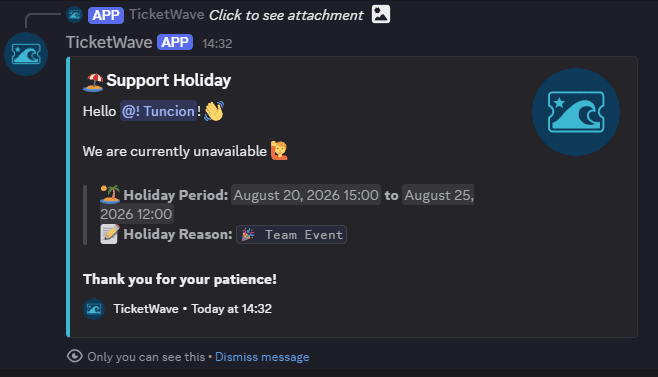
Instead of a new ticket, the member gets an ephemeral embed containing:
- Your Holiday Message — or a default text if you left it empty
- The period as Discord timestamps, if you set both dates
- Your Holiday Reason, if you set one
🏝️ We are on holiday

We are currently on vacation and will be back soon!

Period: 24 December 2026 — 2 January 2027
Reason: Christmas Break
Discord renders the period in each member's own time zone, so nobody has to convert anything.
Announcement Mode
If you turn Prevent Ticket Creation off but keep the module enabled, tickets can still be created. Use this when you only want to slow expectations down rather than stop support completely — combine it with a line in your ticket panel description.
Before You Leave
Close or answer the tickets that are still open.
Write a Holiday Message that says when you are back, not just that you are gone.
Set Start and End so the block lifts itself.
Open a test ticket to see the notice with your own eyes.
Consider a scheduled close for tickets that are already resolved.
Troubleshooting
| Problem | Fix |
|---|---|
| Tickets are still created | The module is disabled, Prevent Ticket Creation is off, or the current time is outside the period |
| The block does not lift | Only one of the two dates is set — set both, or disable the module |
| The notice is empty | No Holiday Message set — TicketWave falls back to a default text |
| Nothing happens at all | Holiday mode requires premium |
Next Steps
- Limits, Cooldowns & Captcha (Other ways to control ticket volume)
- Design Your Ticket Panel (Set expectations before the click)
- /ticket closeschedule (Clean up before you leave)
How is this guide?