
Branding
Give every TicketWave embed your own colors, author name, thumbnail and footer.
Guide to Branding & Appearance
Branding makes TicketWave look like your bot. Instead of the default TicketWave cyan and logo, every embed the bot sends uses your color, your name and your images.
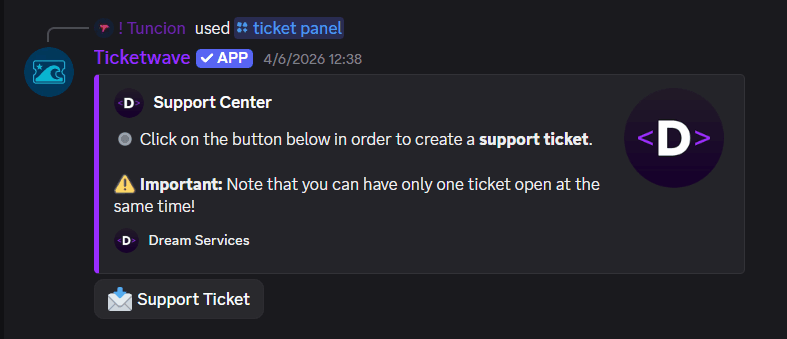
Branding is a premium module. You can also unlock premium with Vote Coins.
What Branding Changes
Branding is not limited to the ticket panel. It applies to every embed TicketWave sends in your server, including:
- The ticket panel
- The category, subcategory and step embeds inside a ticket
- The ticket info embed
- The close notice and the close DM
- The captcha and holiday embeds
- The feedback request
That consistency is the point — a member never sees a mix of your colors and ours.
Configure It
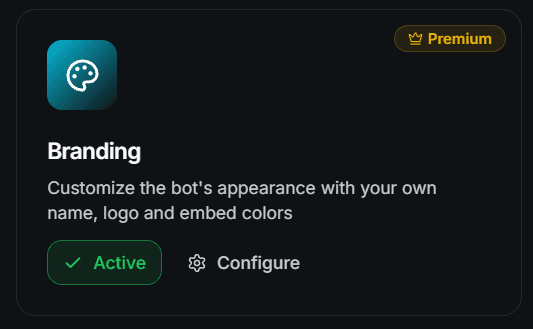
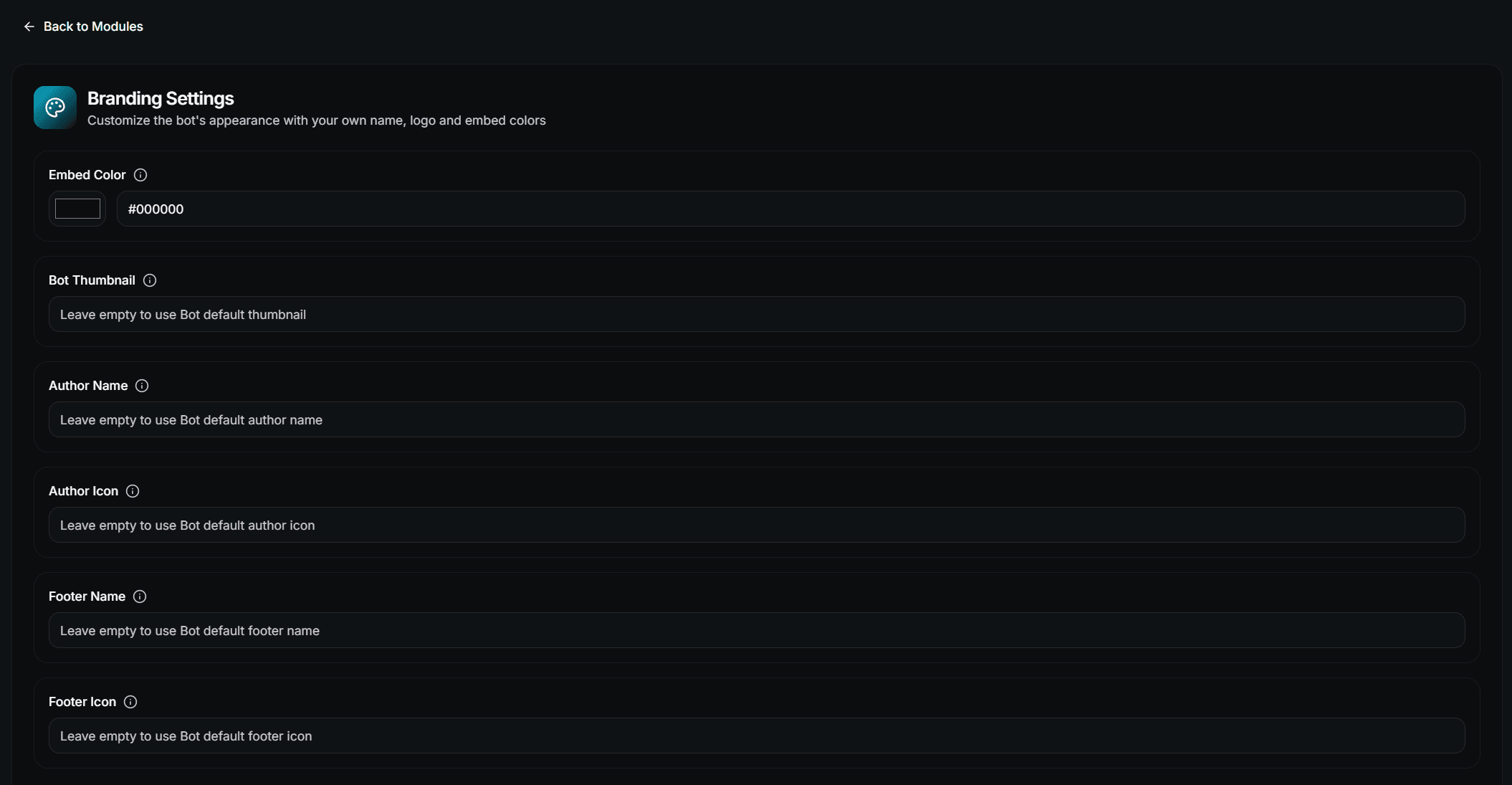
Fill in the fields
| Field | Description |
|---|---|
| Embed Color | The accent color of every embed |
| Embed Thumbnail | Image URL shown in the top right corner of the embeds |
| Author Name | The small name line above the embed title |
| Author Icon | Image URL for the small icon next to the author name |
| Footer Name | The footer text at the bottom of the embeds |
| Footer Icon | Image URL for the small icon next to the footer text |
Save
Press Save in the bar at the bottom. The next embed the bot sends already uses the new branding.
Leave a field empty to fall back to the TicketWave default for that single value. You do not have to fill in all six.
Image URLs
Thumbnail, author icon and footer icon take a direct image URL — a link that ends in the image itself, not a page containing it.
https://cdn.example.com/logo.png

# Bad (a page, not an image)
https://example.com/our-logo-page
Use a host that stays online. If the URL dies, Discord silently drops the image from the embed.
NEVER use a Discord CDN URL for your own server. Discord rotates those URLs, so the image will disappear from your embeds.
Picking a Color
- Use the same accent color as your server banner and role colors
- Avoid pure black or pure white — both disappear on one of Discord's themes
- Test in light and dark mode before you settle
The color also drives the ticket panel embed if you did not set an explicit color in the Embed Creator.
What Happens Without Premium
Nothing breaks. Your branding values stay saved in the dashboard, TicketWave simply falls back to its own defaults until premium is active again.
Next Steps
- Design Your Ticket Panel (The one embed you design by hand)
- Premium through Voting (Unlock branding for free)
- Settings Page
How is this guide?