
Ticket Blacklist Add
Add a user to the ticket blacklist via the right-click context menu.
Ticket Blacklist Add
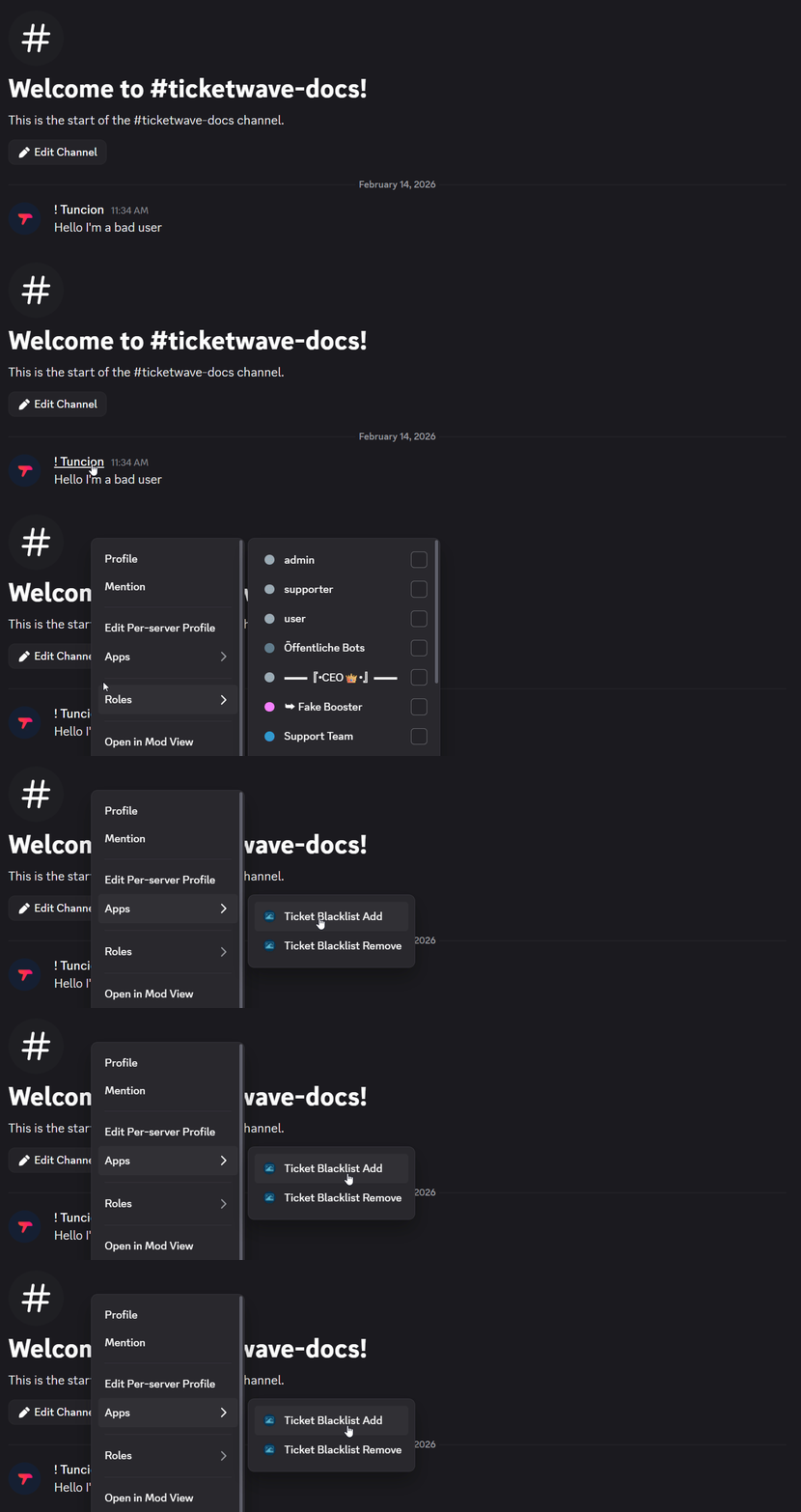
The Ticket Blacklist Add action adds a user to the ticket blacklist directly from the Discord context menu. Blacklisted users can no longer create or participate in any tickets on your server.
Usage
- Right-click on the user you want to blacklist
- Select Apps > Ticket Blacklist Add
When to Use This
Use this action when:
- A user has been spamming or abusing the ticket system
- You want to prevent a specific user from creating or participating in tickets
Example
A user has been repeatedly disruptive in tickets. After right-clicking their name and selecting Ticket Blacklist Add, a modal appears to confirm and optionally provide a reason:
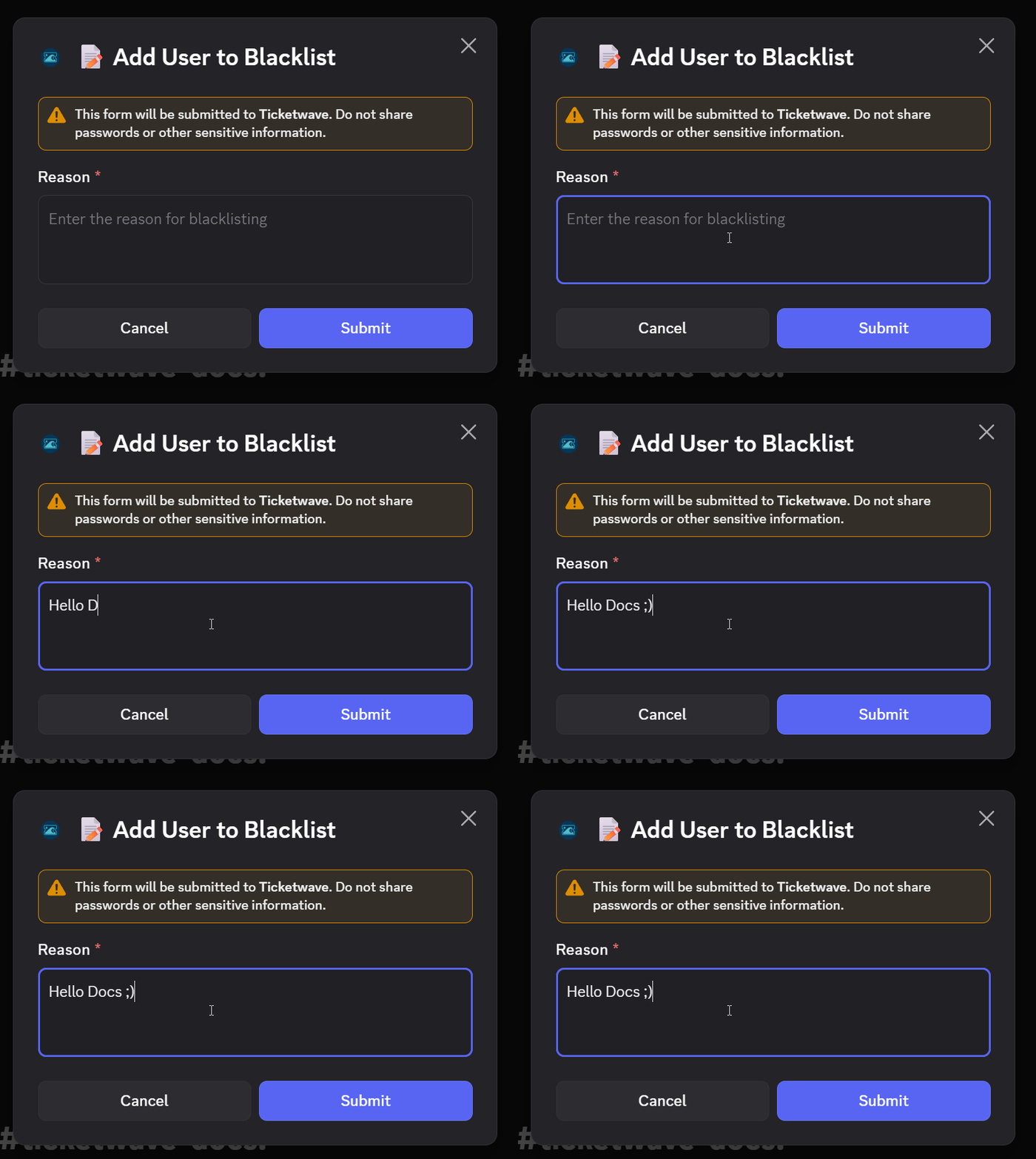
After submitting, the user is added to the blacklist and can no longer interact with the ticket system.
This completely locks the user out of the ticket system. They will be unable to create or participate in any tickets. Use with caution.
How is this guide?