
/ticket claim
Claim a ticket to assign yourself as the responsible staff member.
Ticket Claim Command
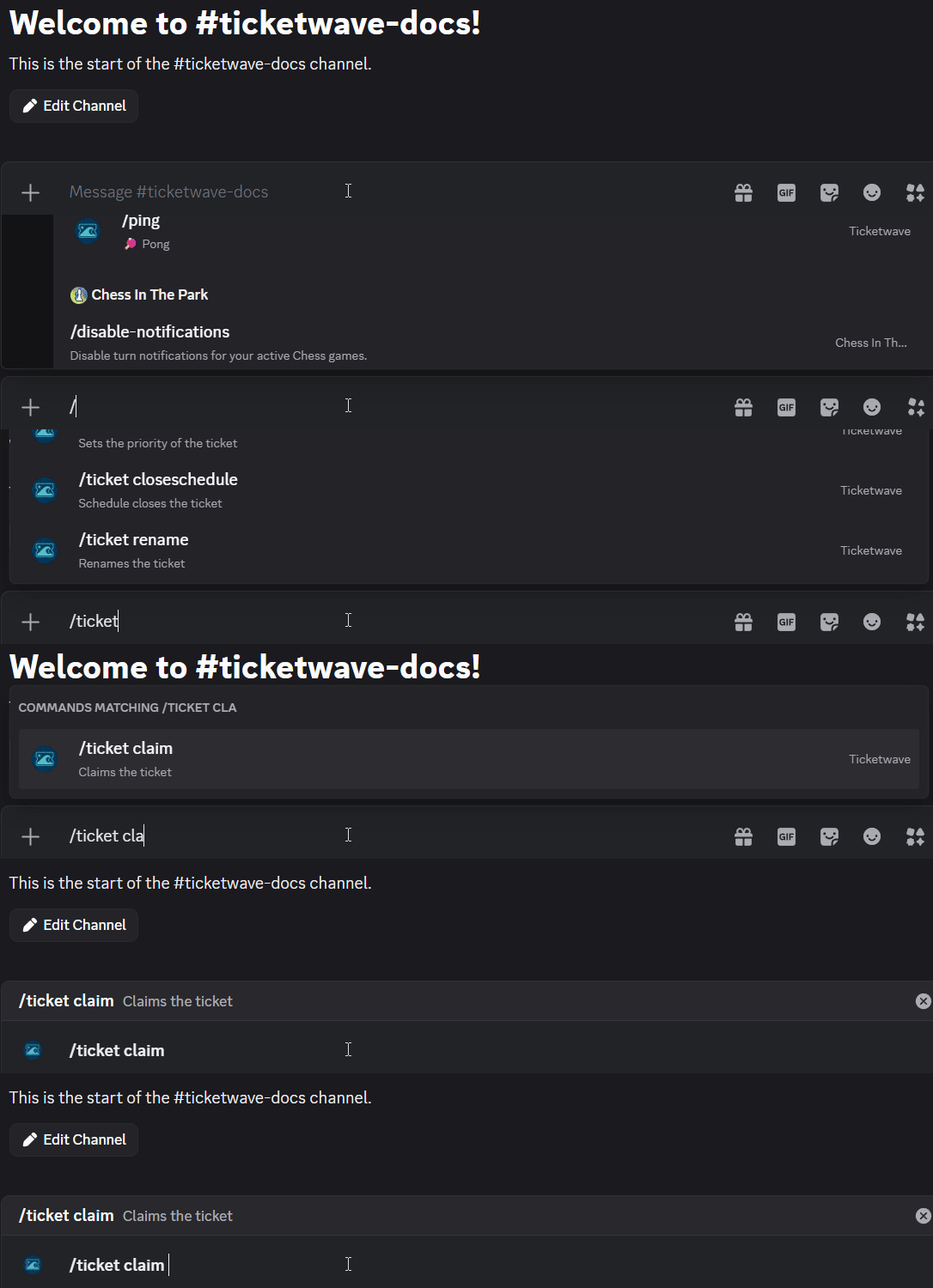
The /ticket claim command assigns you as the responsible staff member for a ticket. This signals to the rest of your team that you are handling it, preventing duplicated effort.
Usage
/ticket claimNo parameters required.
When to Use This
Use /ticket claim when:
- You're taking responsibility for a specific ticket and want your team to know
- Your team has defined areas of responsibility and this ticket falls under yours
- You want to avoid two staff members working on the same ticket simultaneously
Example
Your support team has several open tickets. Running /ticket claim inside a ticket marks it as yours, so other staff know not to pick it up.
Notes
- Claiming can be disabled globally from the Dashboard under Settings if your team doesn't use this feature.
How is this guide?